
0%

From the first OTP to a submitted application, every screen explained in plain words.
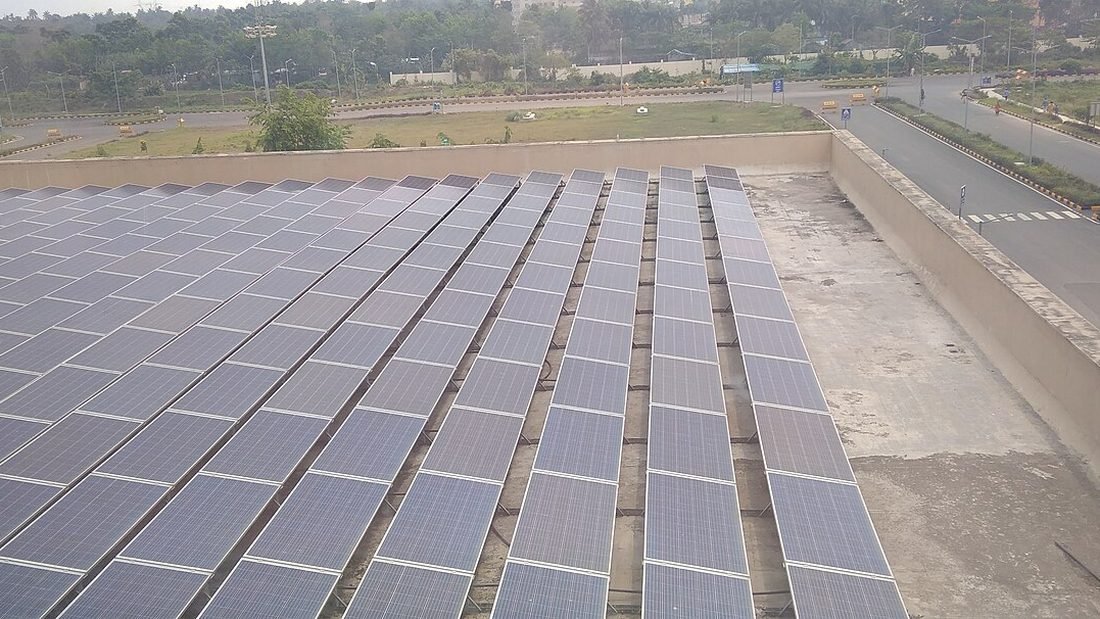
Image: Solar panels on Outpatient Department (OPD) building's roof of All ... by খাঁ শুভেন্দু, CC BY-SA 4.0, via Wikimedia Commons.
Registering on the national portal is the first formal step of any PM Surya Ghar application from Raipur, and the step most people dread. It is simpler than it looks. This walkthrough explains each stage in order, with the details that cause errors.
Quick answer: have your bill, linked mobile and email ready; register with state, distribution company, consumer number and OTP; apply for rooftop solar; then choose a registered vendor.
| Step | What you do | Watch for |
|---|---|---|
| 1. Open the portal | Type the official address yourself and choose Apply for Rooftop Solar | Fake lookalike sites |
| 2. Select state and distribution company | Chhattisgarh and CSPDCL | Wrong company selected |
| 3. Enter consumer number | As printed on the bill | Typos or spaces |
| 4. Enter mobile and email | Linked mobile number | Unlinked number gets no OTP |
| 5. Verify OTP | Enter the code | Expiry; request again |
| 6. Log in and complete the profile | Name, address, bank details | Mismatched names |
| 7. Apply for rooftop solar | Choose capacity | Check sanctioned load |
| 8. Select a vendor | Filter by state and district | Registered vendors only |
| 9. Wait for feasibility | CSPDCL approves | Chase via your vendor if slow |
Save your login details safely, note the application number and take screenshots at each stage. These are your records if you ever need to escalate. See status and delay for what each portal stage means.
You can do every step yourself. A vendor who owns the process is faster because they know how local offices handle each stage. Either way, it is your application and your login. Read choosing a PM Surya Ghar vendor in Raipur.
A homeowner sits down with a phone and laptop. They open the portal, select Chhattisgarh and CSPDCL, type the consumer number from the bill and enter the mobile number. No OTP arrives. They realise the number on the bill is their spouse's. They switch to the registered number, receive the OTP and continue. Within ten minutes the application is created. The next morning they select a vendor, and within a week CSPDCL feasibility is approved. The lesson is simple: check the mobile number before you start.
| Item | Your note |
|---|---|
| Portal login (stored safely) | ______ |
| Application number | ______ |
| Date registered | ______ |
| Vendor selected and date | ______ |
| Feasibility approval date | ______ |
| Net meter date | ______ |
| Commissioning date | ______ |
| Subsidy credit date | ______ |
Ten careful minutes at registration save weeks later. To act on it, book a survey with a solar company in Raipur and ask for the solar subsidy in Raipur to be worked out in writing. Compare firms with the best solar company in Raipur questions, check PM Surya Ghar Yojna in Raipur for the slabs and see how solar installation in Raipur works. Our solar in Raipur overview and solar Raipur guide add local detail, and the blog has more.
On the national portal. Choose Apply for Rooftop Solar, select your state and distribution company, enter your consumer number and mobile and verify the OTP.
Yes. Anyone asking for a registration fee is not charging an official fee.
Usually a typo or a mismatch with the distribution company's database. Check the number on the latest bill.
The mobile number must be the one linked to your CSPDCL connection.
Vendors can help, but the application stays in your name, and you should hold the login.
Visit C-29, Sector 3, Devendra Nagar, Raipur, Chhattisgarh 492001, call 083051 31420 or send your details online for a free survey and a written quotation, with the subsidy worked out. Our solar installation in Raipur team replies the same working day.
Next, talk to a solar company in Raipur about solar installation in Raipur. Our solar in Raipur guide explains costs, the solar Raipur guide covers your area and the best solar company in Raipur checklist helps you choose. For PM Surya Ghar Yojna in Raipur and solar subsidy in Raipur, we manage registration, approvals and the claim. Quick links: best solar in Raipur, best solar company in Chhattisgarh, solar for home in Raipur, PM Surya Ghar Yojana in Raipur and solar pump in Raipur. Browse every article on the solar blog, or see our solar services.
Bring your phone and bill, and we will do the registration with you at our office.